
As part of our ongoing series spotlighting the people behind Bellwether Concepts, we sat down with Nissy, who found her way into editing not by planning for it, but by falling in love with the rhythm of piecing footage together at the Savannah College of Art and Design. From color-grading iPhone videos to knowing exactly when to reverse a shot to keep the eye moving in the right direction, Nissy walks us through what it takes to make an edit feel professional, on-brand, and worth watching all the way through.
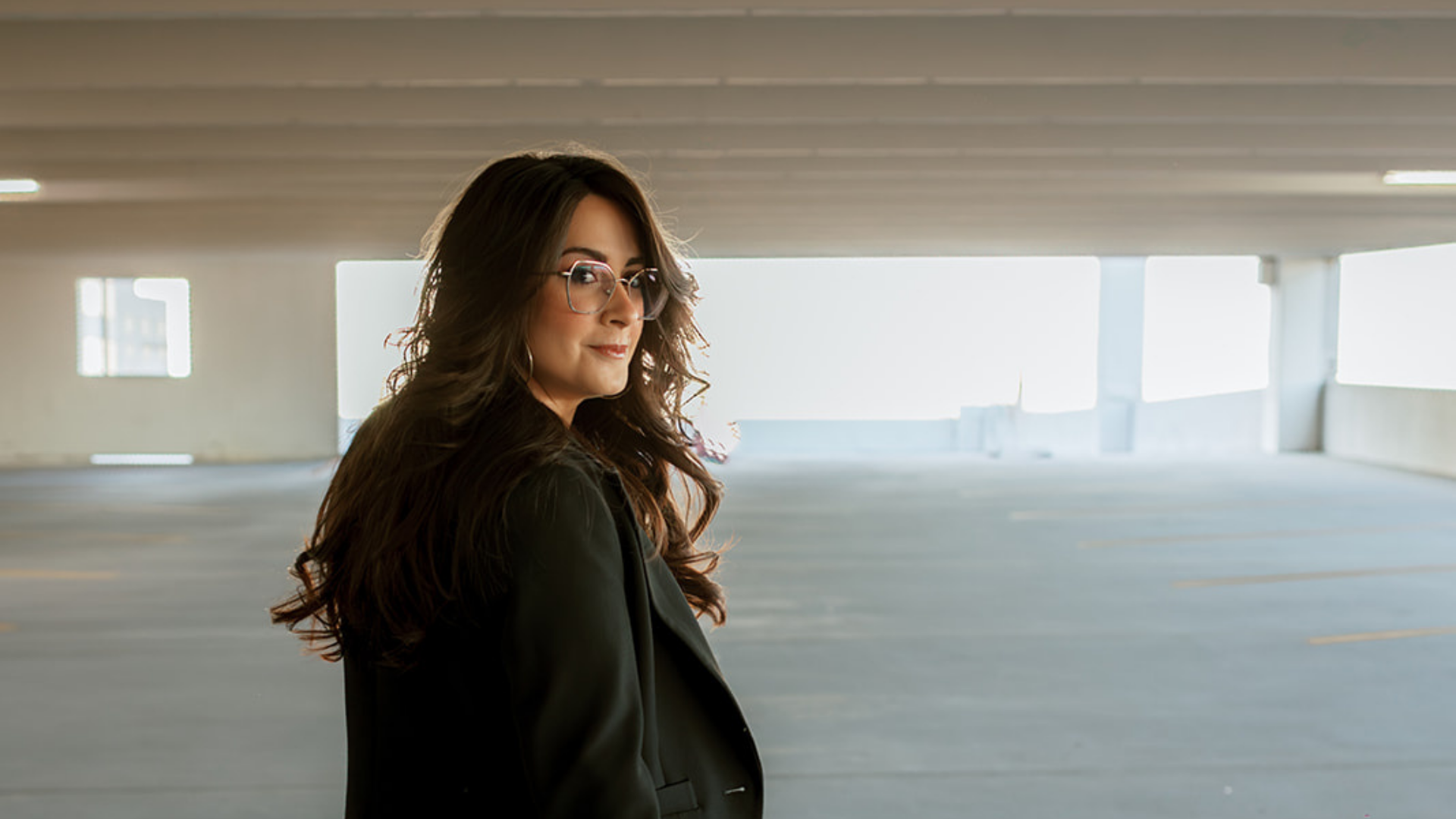
Thank you for joining us. Before we get into your editing process, our readers would love to get to know you. Can you share the backstory of how you found your way into editing and post-production?
I went to school for film and television, not really knowing what role I wanted to pursue. At the Savannah College of Art and Design, they have all film students take classes in several different fields, to both get a feel for the whole process and to help you decide what to concentrate in. I found my way into editing, and fit as many post-production based classes into my time there as I could.
Out of all the different fields you got exposure to at SCAD, what was it about editing specifically that made you want to lean into it?
Well, I realized pretty quickly that I didn’t want to be on sets. I served as the Director of Photography or DIT on a few projects and produced another, but I much preferred sitting in the editing lab or behind my laptop. I just loved getting to find the rhythm of a film in the footage and piece it all together. Or, as a colorist, bringing a new life and feeling into the cinematography.
What inspired you to get into editing and post-production in the first place?
I was super into photography in high school. My friends and I couldn’t hang out without me pulling out my camera and some lights or crazy prop. But I found myself spending more time in Photoshop working on the color-grading than I did with a camera in my hands. I just loved being able to transform an image into the best version of itself.
Based on your experience, can you share "5 Tips You Need To Know To Edit Great Content For Social Media"? If you can, please share a story or example for each one.
1. Stay away from the flashy transitions. - There is a time and place for them, but it’s usually a very specific time and an even more specific place. To me, it can read as amateur and just so iMovie. (Not that there’s anything wrong with iMovie! It’s gotten me through some things.) It almost seems like you are trying to cover up poor messaging or confusion under some wacky zooms and flashing colors. If you are trying to elevate a brand, clean cuts or simple transitions can do so much more for you.
2. Never forget your color-grading. - I have absolutely nothing against iPhone footage. It’s what I use for the majority of my clients. But I do have something against the processing of iPhone photos and videos. Oftentimes, raw footage looks so grey, or the lighting is weird, or a whole list of issues. So, it’s always best to find a good filter or do your own color-grading. Just some simple contrast and vibrancy adjustments can make content look so much more professional.
3. Cut on the beat. - A lot of the work of social media content is to attract viewers and get them to keep watching. Something that many people find satisfying is when edits are perfectly on beat to the background audio or music. When you cut on the beat, like a hard cut right as the music drops or a smoother transition on a melody shift, it just feels satisfying to watch. People are way more likely to stick around when the visuals move that way.
4. Understand how long people want to watch something for. - It’s important to find that sweet spot of text and video length to ensure a viewer has enough time to read and take in what they are seeing, but not have it on screen for so long that they get bored and scroll away. This can be very dependent on how much text you have, the mise-en-scène of your footage, and the energy you want to portray. So it’s always best to watch through your edit a few times, pretending you are a viewer coming across this in their feeds, and make sure you either have enough time to absorb everything, or don't get bored looking at the frame.
5. People’s eyes move left to right. Your content should too. - Screen direction is a very powerful tool that can keep your content from looking unnatural, yet often one that goes unnoticed. The majority of people read from left to right, so it’s safe to assume their eyes follow that same direction when absorbing visual information. As a general rule of thumb, I prefer to film panning shots from left to right to maintain that screen direction. But, sometimes you receive videos from someone else, and they panned from right to left. No need to panic, just reverse the footage. It’s a simple trick that keeps the visual flow of your video consistent with how most people take in what they see.
What are your favorite tools, software, or habits that instantly make your edits look more professional?
While I mostly use CapCut for editing social media reels, my heart belongs to Avid Media Composer and DaVinci Resolve. There are some limitations to phone editing software. Maybe it is missing a function you need, or it’s difficult to manage multiple timelines for one project. So, I will often boot up DaVinci when I know exactly what I need to achieve, but can’t get it to work in CapCut. An example of this is motion tracking something to cover an object. When I’ve tried in CapCut, it looks clunky and never works how I want it to. But, I know the steps to take in DaVinci to get that done in a matter of minutes. I would also say this comes down to staying flexible. A video may demand something that you have never done before or haven’t quite mastered in your preferred editing software. So open up YouTube, find a tutorial, and get to work.
How do you keep an edit on-brand for a client while still making it feel fresh and current?
Consistency across the content is really important for me. Specifically, in the style of music, the filters I'm using, the fonts and text size, the length of the cuts. Those are the details that make an account instantly recognizable, even before someone reads the caption or sees the logo. That said, it can be very easy to incorporate trends into an established style, which helps keep the content on-brand even if it's following something new. If a trend calls for a certain type of transition or text style, I'll usually find a way to apply it using the client's existing color palette or font choices, so it still feels like it fits into their page and brand. That balance is what keeps an account feeling current without losing what makes it theirs.
What's something about the editing process that clients or non-editors would probably be surprised to learn?
Starting with a silly answer that I’ve seen talked about online before, but it really does bear repeating: you will get so tired of any music you use and constantly associate it with whatever project you were editing. The first example that comes to mind is “Don’t Go Breaking My Heart” by Elton John and Kiki Dee. I used this song in a music video class in 2023. And three years later, all I think of when I hear that song is a silly video I made with two friends over the course of a few hours. But for a more technical answer: it is much more tedious than you think. Editing has long waiting periods for videos to export, lots of dragging effects and transitions to every clip, and you’ll go back and forth over the decision to cut three frames from this shot and add two there and so on. It requires a lot of patience and willingness to destroy your eyes staring at a screen for hours on end.
What's one piece of advice you'd give someone editing content for the very first time next week?
It really is much easier than you think. I know some people can be intimidated by opening up new software for the first time. I definitely was when I first saw Avid. But take some time to just click around, see what functions it holds, and familiarize yourself with the basic tools. And soon, you may start to swear by that software and refuse to use anything else. Most of them are pretty intuitive if you give yourself that freedom to explore. Once you give yourself permission to experiment, the whole process loses its mystery.